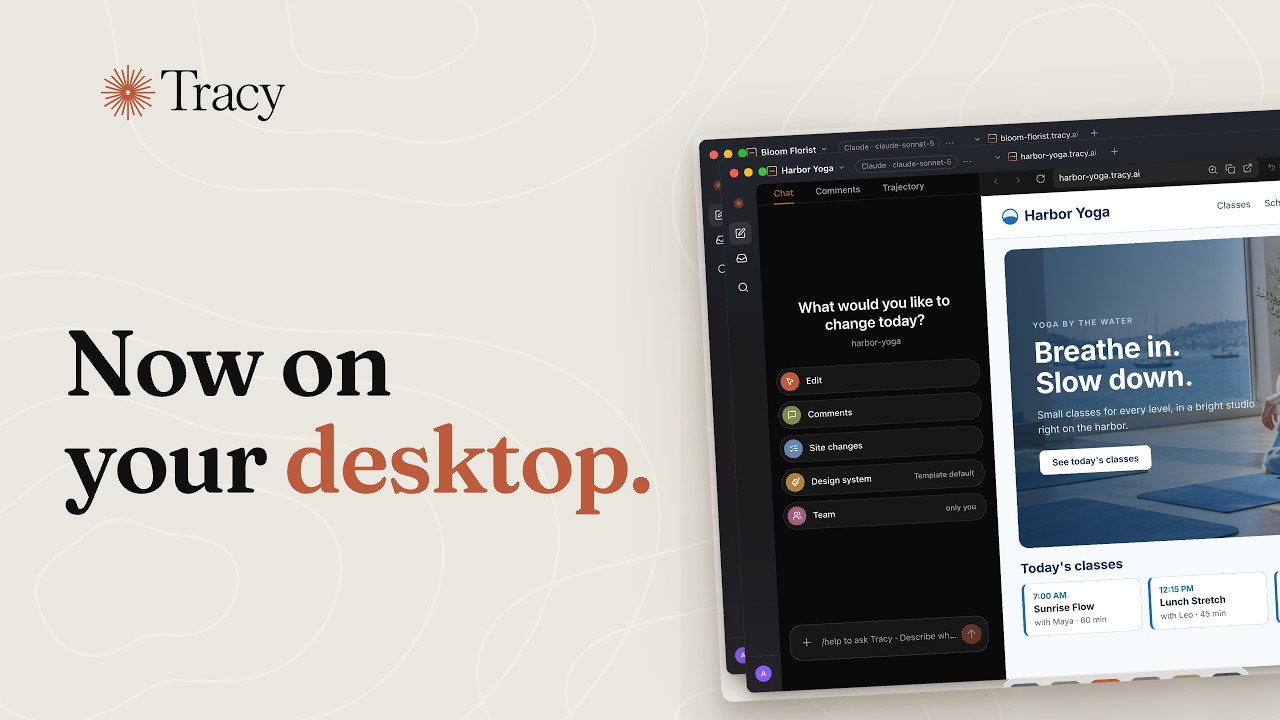
Tracy Cowork 0.6.0
Apple Silicon and Intel · macOS 13 or later
Windows (Arm)
Windows 10 or 11 · 64-bit
First launch: if Windows shows “Windows protected your PC”, click More info, then Run anyway.
.deb (x64)AppImage (arm64).deb (arm64)
AppImage: make it executable (chmod +x), then run it · .deb: sudo apt install ./Tracy-Cowork-*.deb
Nothing to install. On a phone or a tablet, Tracy works in the browser.
What the desktop app adds
Its own window
Tracy stays in the Dock or the taskbar and the app switcher, apart from your browser tabs.
Several sites side by side
Open each site in its own window and work on them at the same time.
Sign in, and come back to the app
Google, GitHub or email: the sign-in returns you to the app, not to a browser tab.
App updates
New versions may install in the background. Some updates require a restart or a manual download.