A faster way to run your website
on the CMS you already trust.
Still struggling with your CMS admin just to change a line of text?
Tell Tracy what you want in one sentence, and it’s done.

- WordPress
- Joomla
- EmDash
- ShopifySoon
- WebflowSoon
Same edit.
Two very different afternoons.
What takes an afternoon in the admin takes a sentence with Tracy.
Hunting through admin screens
Six menus deep, just to change one line of CSS.
One sentence, then review
One sentence to Tracy, a quick look at the live result.
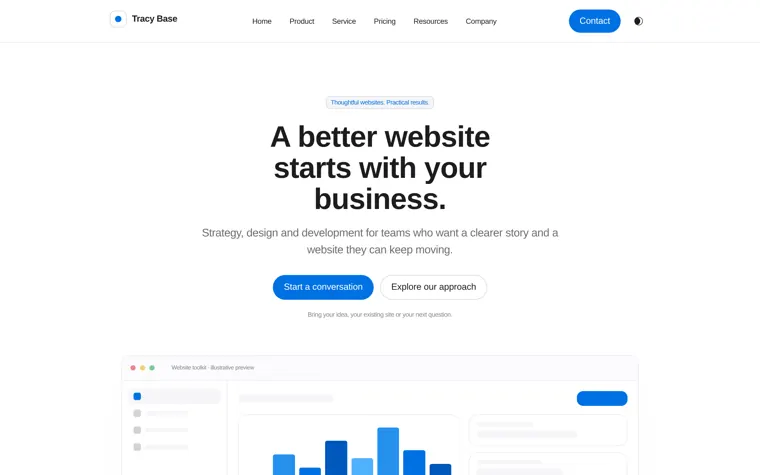
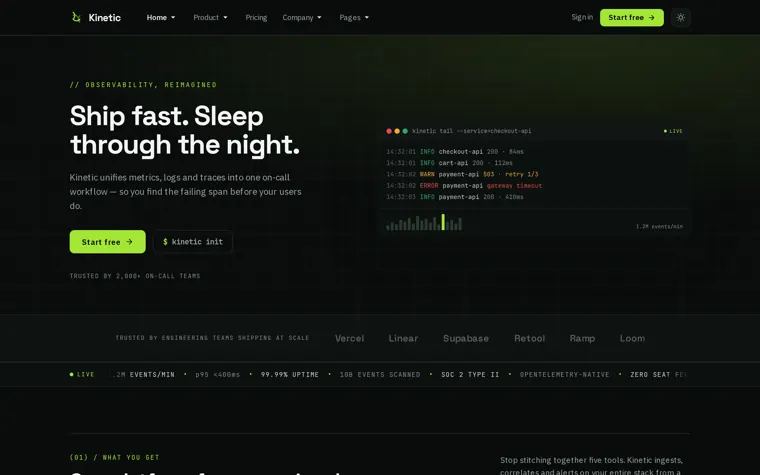
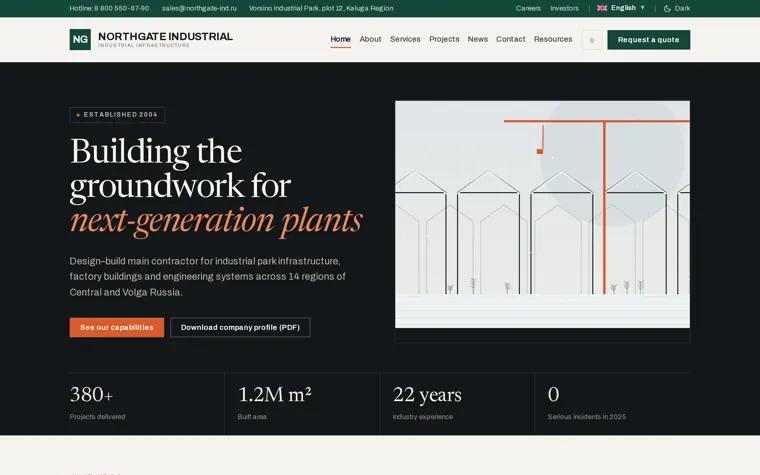
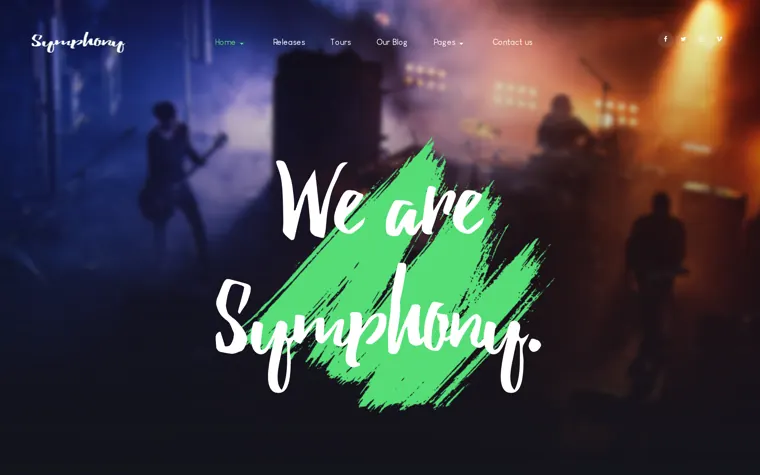
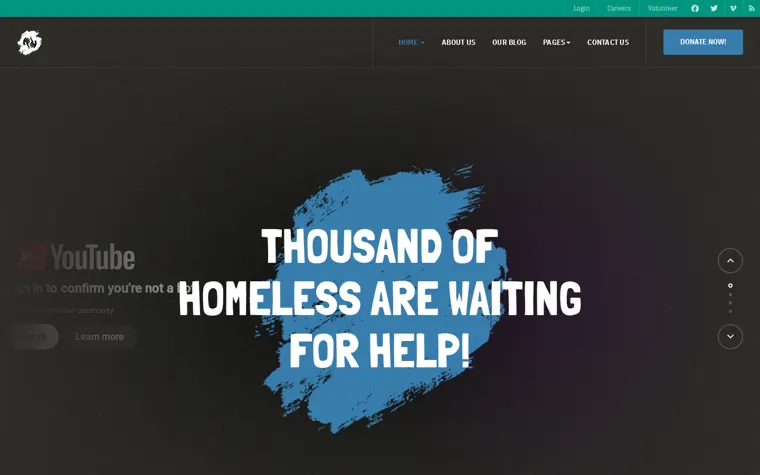
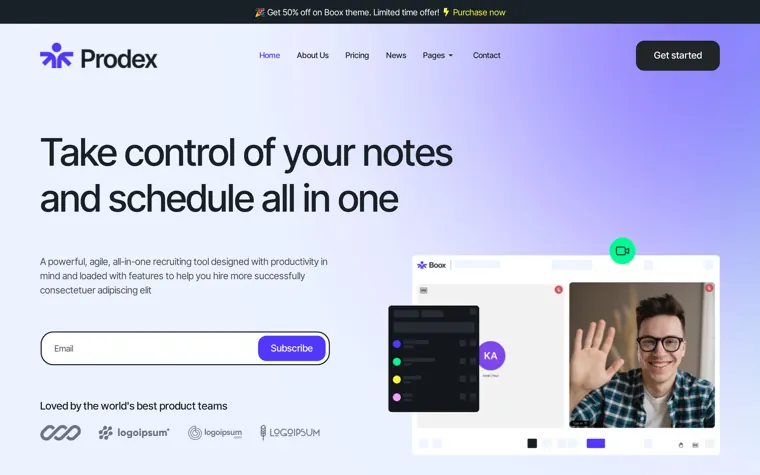
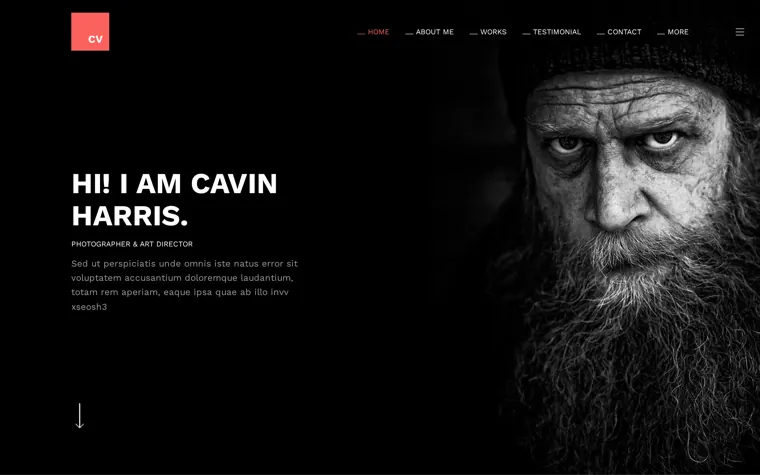
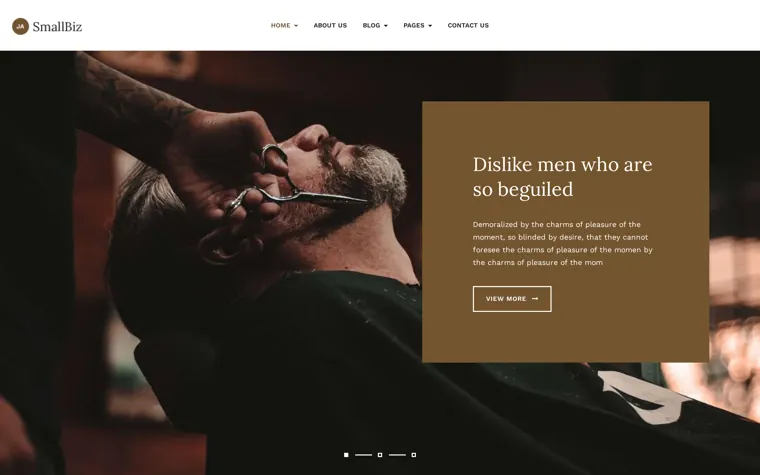
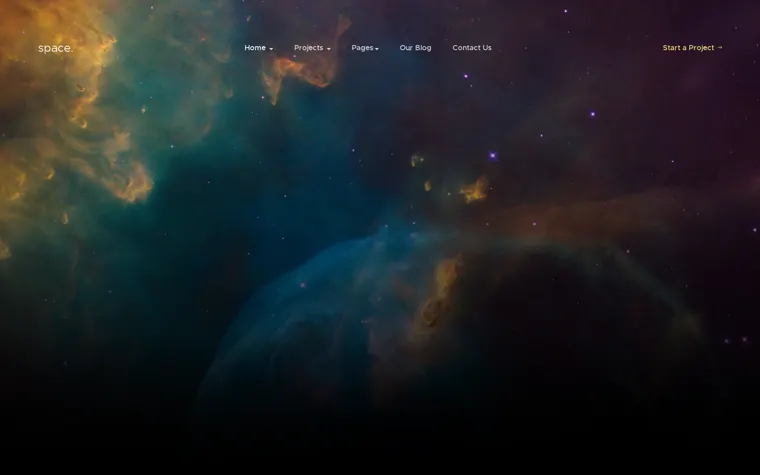
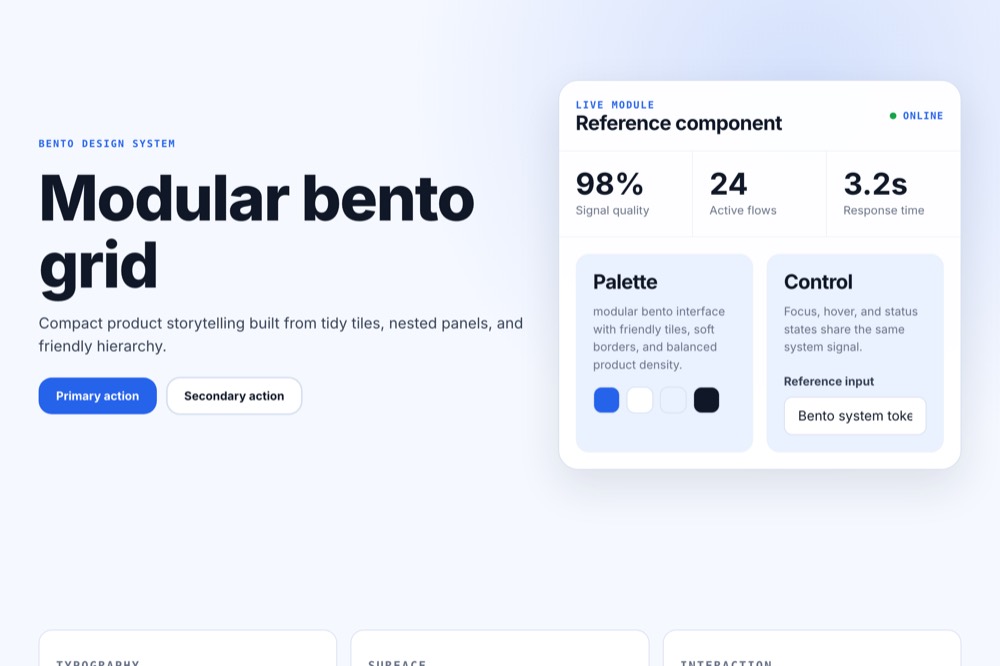
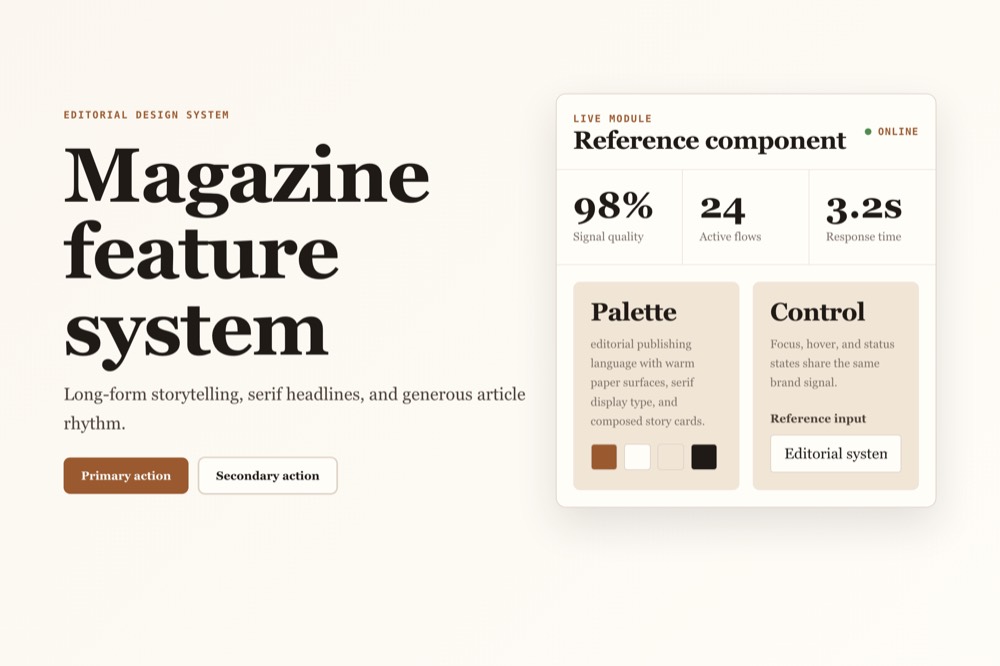
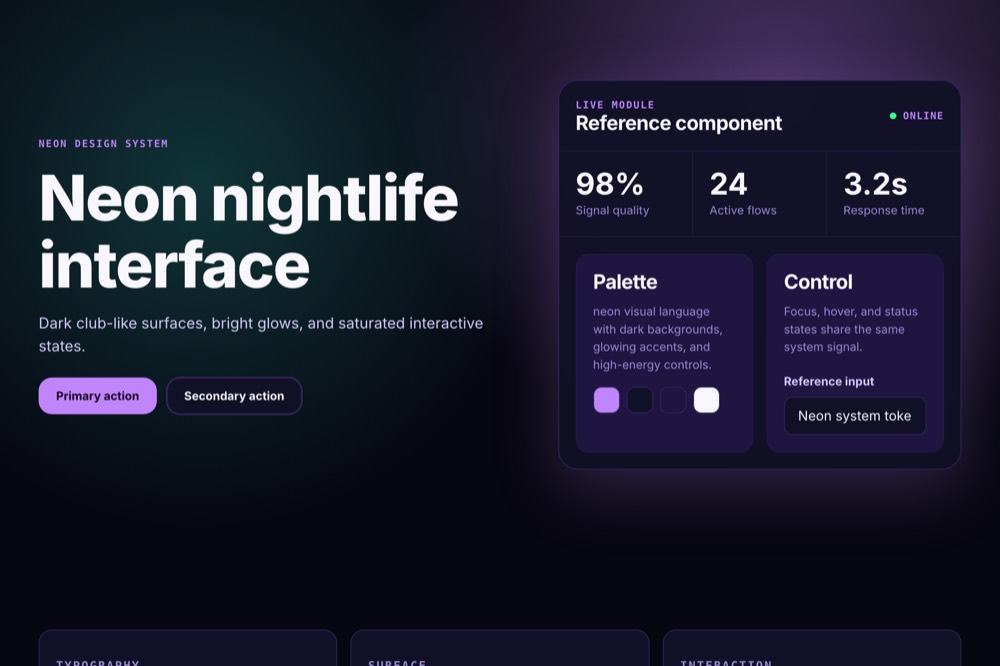
A huge library of free templates, for every CMS you run
Plenty of designs to start from, for WordPress, Joomla and EmDash.
Pick one, ask Tracy for a change in a sentence, and publish. No blank page to fill.





















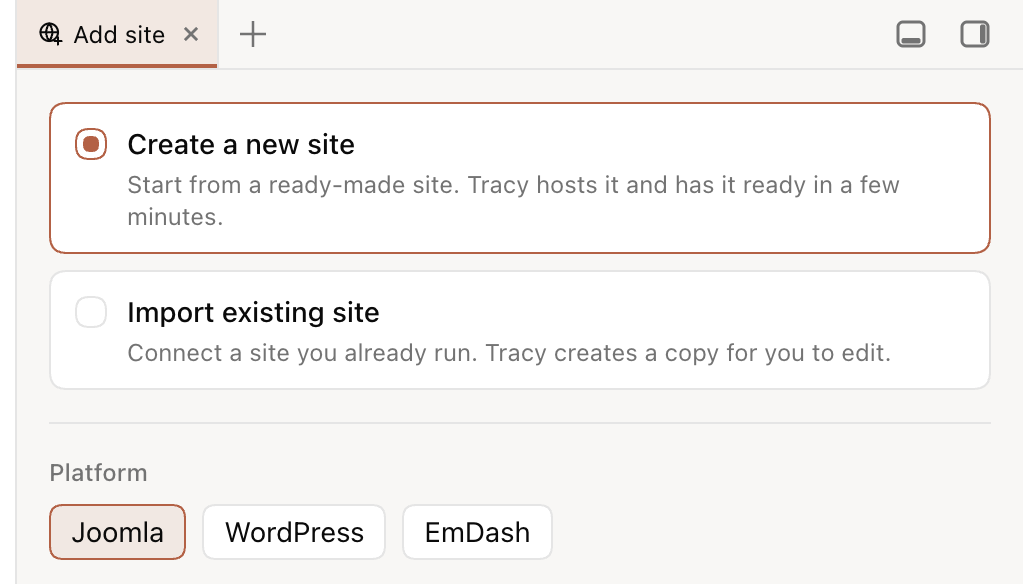
Build new, or work on a copy of a live site
Start fresh or import a copy. Both end with a real site you can edit with Tracy.
Build a new site
Pick a platform and a name. A finished site comes up a few minutes later, not an empty CMS.
- Joomla, WordPress or EmDash, hosted by Tracy
- Tracy answers in the language you write in
Import the site you have
Tracy copies your WordPress or Joomla site and works on the copy. Setup may install, activate or update the connector on the live site.
- Give Tracy admin access once, or install the connector yourself
- Dozens of client sites, run from one place
Bring your team
Invite people by email and give each one a role. Recorded changes stay on the site's record.
- Owner, Editor or Viewer, per site
- A seat can be taken back at any time
Owner is never invited.
Three ways to change a website. One keeps everything.
Questions people ask before trying Tracy
Short answers for teams that already run WordPress, Joomla or EmDash sites.
Does Tracy work with Joomla?
Yes. Tracy builds and edits Joomla sites, and it is designed for teams that already run long-lived Joomla websites.
Can Tracy import an existing WordPress site?
Yes. Tracy copies an existing WordPress or Joomla site so you can work on the copy instead of changing the live customer site.
Can I undo AI changes?
Yes, where supported. Recorded changes are listed in Site changes. Undo the file changes of one request where supported, ask Tracy to revert a change, or restore a backup. Undo and restore scope vary by action and platform. EmDash has no file history or request Undo; its backups restore database and media, not template code. External effects cannot be recalled.
Is Tracy free?
During the beta, Tracy is free to use. Share feedback in the Tracy Discord: Tracy Discord.
Does Tracy support Shopify?
Not yet. Today Tracy supports WordPress, Joomla and EmDash. Shopify is roadmap, not current product copy.
Let’s build your first site
Get a ready-made site in minutes, or import one you already run.